
Label shape is not only a decorative choice. It affects usable artwork area, how the label sits on the package and how easily the design aligns with the container. A shape that looks interesting on a blank canvas may waste space or create difficult edges in production.
Start with the package geometry and information needs, then choose the shape. Material and finish come after the physical fit is understood.
Round labels work well for centered compositions
Circles naturally focus attention toward the center and work well on lids, jar fronts and compact logos. They are less efficient for long text because the usable width narrows near the top and bottom.
If the label needs several lines of information, make sure the circle is large enough to preserve comfortable margins.
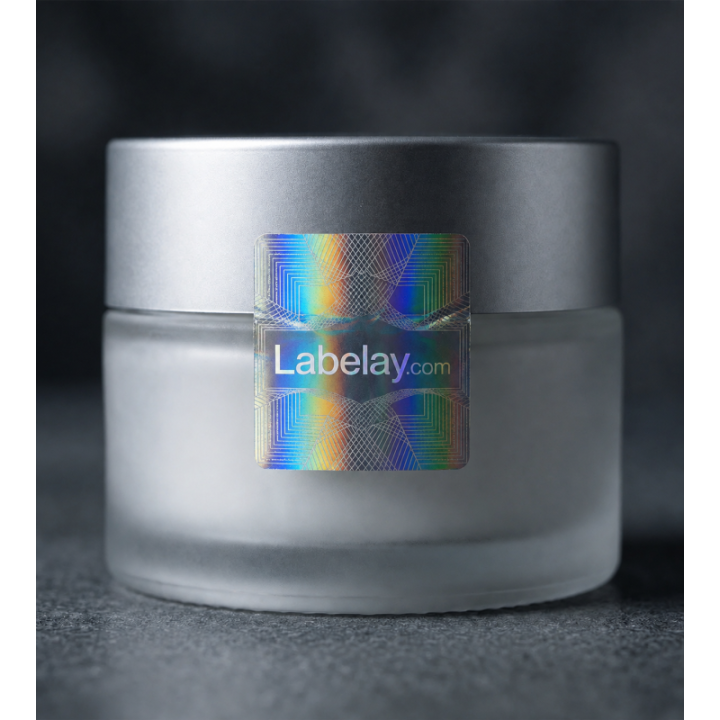
Square and rectangular shapes maximize usable area
Straight-sided shapes are efficient for ingredient panels, product descriptions and structured layouts. They also align naturally with boxes, flat pouches and many bottle panels.
Rounded corners can soften the visual effect and reduce the appearance of sharp edges without giving up much design space.
Oval shapes suit curved visual flow
Ovals can feel natural on jars, candles and traditional product packaging. Like circles, they sacrifice some corner space, so the design should be centered and deliberate.
Use a paper mockup to check whether the oval feels balanced on the real container rather than judging it in isolation.
Custom die-cut shapes should support the brand
A custom silhouette can create strong recognition, but unnecessary complexity can reduce usable space and make small details harder to cut cleanly. The shape should have a clear visual purpose.
When the final dimensions and shape are defined, use Get an Instant Price. For unusual shapes outside the standard configurator, use Request a Quote.
Turn the guide into a real specification.
Choose your material, size, shape, finish and quantity, then see the price before checkout.