
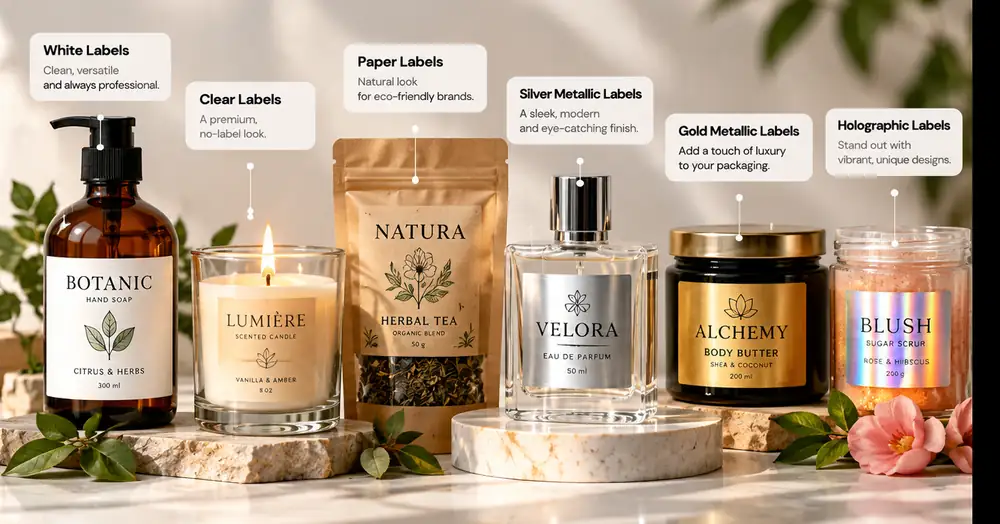
A product line often needs several label designs that are physically identical but visually different. Coffee origins, candle scents, sauce flavors and cosmetic variants are common examples. The efficient approach is to keep the production specification stable while changing only the artwork.
Labelay supports multiple designs within the ordering workflow, so planning the variation system before upload can reduce confusion and make quantity allocation easier.
Standardize the physical specification first
Multiple designs are easiest to manage when every version uses the same label size, shape, material and finish. This lets the variation live in the artwork rather than in the production setup.
If one SKU needs a different size or material, treat it as a separate specification instead of forcing it into the same group.
Use a shared master template
Build one approved layout with fixed logo position, margins, typography and safe areas. Duplicate that master for each flavor, scent or product name rather than recreating the file from scratch.
This reduces accidental differences in spacing and makes future additions faster.
Name files so nobody has to guess
File names should identify the product clearly. Avoid generic names such as final-v2 or label-new. A structured naming format makes it easier to match each artwork file to the quantity allocation.
If several designs look similar, include the exact SKU or variant name in the filename.
Plan quantity by design before checkout
Decide how the total order quantity will be divided across designs before uploading artwork. This prevents the common situation where the total is known but the variation mix is not.
Review the How It Works page and use Get an Instant Price for the shared specification.
- Same size across designs
- Same material and finish
- Consistent master template
- Clear filenames
- Quantity split decided in advance
Turn the guide into a real specification.
Choose your material, size, shape, finish and quantity, then see the price before checkout.